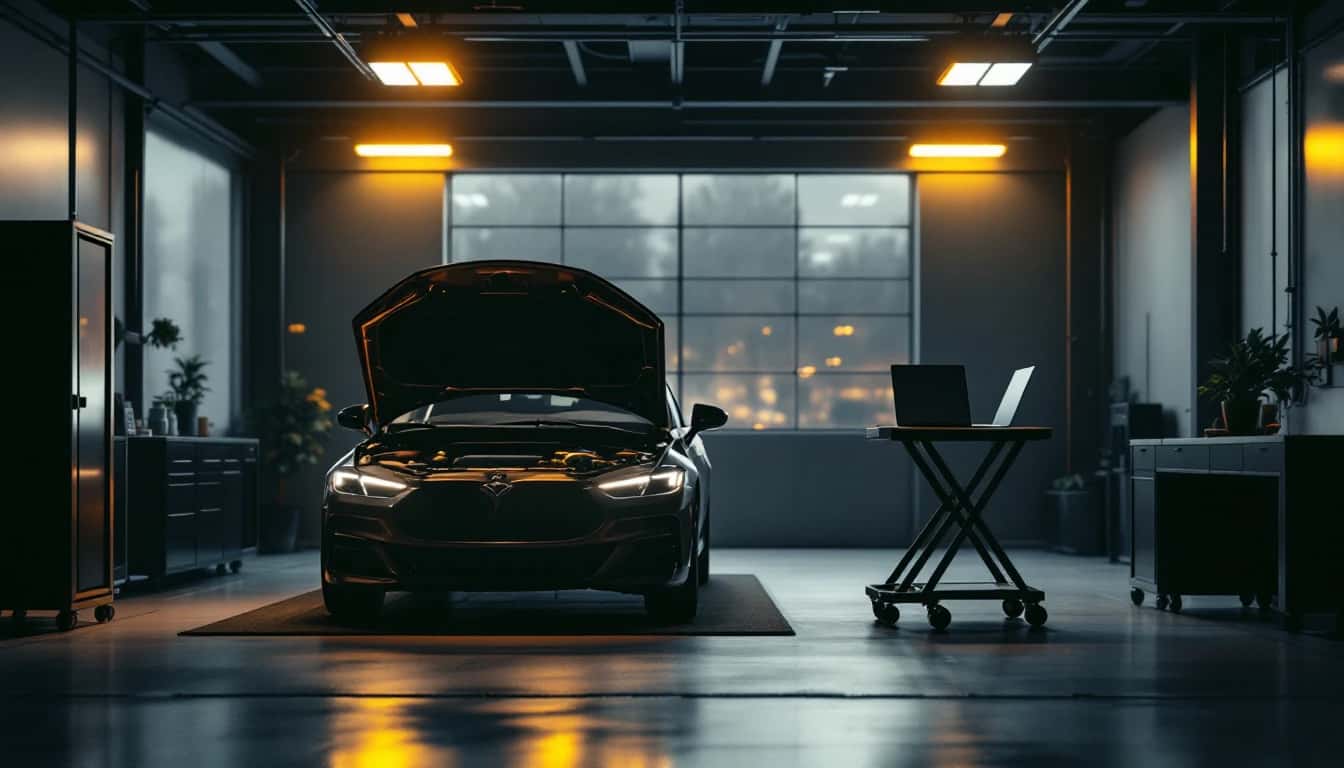
Your programmer works on the car at your shop. Nobody drives.
The shop plugs its J2534 tool into the car. Your technician, anywhere, uses it from the OEM software they already run: FDRS, Techline Connect, wiTECH, Techstream or ODIS. Plus remote desktop from any browser for every shop computer. No per-job fee.
- Usually connected in 10–30 seconds
- Link and battery checked before every write
- The shop needs no account
7-day free trial. Card required; cancel before day 7 and you pay nothing. Tool sharing $39.90/mo, remote desktop from $9.90/mo.
Rather have it done for you? Auto Module Lab's technicians do the programming remotely over IgniteRemote — sessions from $150. See Auto Module Lab
● Device: Shop-PC-Dallas
● Tool: J2534 pass-thru (shared)
● OEM app: Ford FDRS
● Recording: on
Before a module write
✓ Link check passed
✓ Battery voltage OK
● Device: Shop-PC-Dallas
● Tool: J2534 pass-thru (shared)
● OEM app: Ford FDRS
● Recording: on
Before a module write
✓ Link check passed
✓ Battery voltage OK
Everything You Need for Remote Automotive Work
Purpose-built tools that go beyond generic remote desktop software.
Remote Diagnostic Tool Sharing
Plug a J2534 pass-thru tool into the car at the shop; your own expert anywhere runs their OEM software — FDRS, Techline Connect, wiTECH, Techstream, ODIS — as if the tool were on their bench. Their PC runs the IgniteRemote desktop app. No per-job fee.
Checks Before Every Write
Before a module write, the link and the car's battery voltage are checked. Programming is refused on a relayed, lossy or stalling link, or a low battery.
Every Tool Session Recorded
Every call the diagnostic software made and every answer the vehicle gave is kept and decoded — fault codes, VIN, part numbers — and every programming decision is logged before the car is touched.
Shops Join With a Token
The shop pastes a token into the IgniteRemote app. Nobody there needs an account or a password, and you can withdraw the token at any time.
Read Codes From the Console
Read a car's generic OBD-II fault codes from any browser, without opening the OEM software. Read-only: nothing is cleared.
Remote Desktop
Remote control from any browser, with quality presets you can lower for a weak LTE, Wi-Fi or hotspot link.
Recordings Become Training
Record any remote session and turn it into step-by-step training steps, written by AI.
Works on Shop Connections
Lower the quality preset for a hotspot or LTE link and keep working. Module writes still need a steady connection.
Security
TLS encryption in transit, approval at the remote computer by default, role-based access, and session audit logging.
Three people, one car, nobody drives
Usually connected in 10 to 30 seconds. The tool and the car stay at the shop.
 1
1You send the shop a token
In the console, create a tool-sharing token and send it. Nobody at the shop needs an account or a password.
 2
2The shop shares its tool
It plugs its J2534 interface into the car, installs IgniteRemote, pastes the token and presses “Share this computer’s tools”.
 3
3Your technician connects
From their own PC they press “Connect to a car”, then pick IgniteRemote as the J2534 device in FDRS, Techline Connect, wiTECH or any OEM program.
Built for Automotive Professionals
Whether you're a solo locksmith or a multi-location dealer, IgniteRemote scales with your business.
Locksmiths
Program keys through the OEM software, such as Ford FDRS or Toyota Techstream, while the car is at the customer's location. Standalone key programmers are not supported yet.
Automotive Programmers
Flash ECUs, TCMs, and modules remotely. Support clients nationwide without travel.
Dealers & Shops
Set up unattended access on shop PCs. Manage multiple locations from one dashboard.
How remote programming works in practice
What a shared J2534 tool can and cannot do, what to test before a module write, and how it compares with the tools shops already use.
- J2534 Pass-Thru Over Remote Sessions: What Works, What Breaks, What to TestTwo ways to run J2534 pass-thru work remotely, where generic USB forwarding breaks, and the three-gate test plan to run before any billable job.Read the guide
- Program ECU Remotely: What's Actually PossibleCan you program vehicle ECUs remotely? What the setup requires, what still needs a person at the car, and what tools make it possible. IgniteRemote.Read the guide
- Remote ECU Flashing Over LTE: A Field Guide for Mobile ProgrammersRemote ECU flashing over LTE: what fails on a hotspot, what ships today versus USB-Only Mode and Flash-Safe (in development), and how to scope remote jobs.Read the guide
- FlexiHub Alternatives for Automotive Shops: What Actually Works in 2026FlexiHub alternatives for automotive shops: why generic USB redirection struggles with J2534 and programming tools, and how to evaluate the options.Read the guide
- Remote Workflows for Mobile Locksmiths: The Van, the Bench, and the Backup BrainRemote workflows for mobile locksmiths: reach the shop bench from the van, get second opinions mid-job, and cover days off — with credential lines intact.Read the guide
- IgniteRemote vs TeamViewer for Automotive Shops: An Honest ComparisonIgniteRemote vs TeamViewer for auto shops: platform breadth vs automotive focus, per-seat licensing vs plans sized by computers, and how to decide.Read the guide
Security You Can Trust
Every connection is encrypted in transit. Sessions need approval at the remote computer unless you switch on unattended access, and every session is logged. Every download publishes a checksum.
Try It on a Real Job First
Every plan starts with a 7-day free trial of that plan. Card required; cancel before day 7 and you pay nothing.
View Pricing PlansSetup guarantee: if your J2534 interface and OEM software don't connect, we set it up with you on a call. If we still can't make it work in your first 30 days, we refund what you paid. Terms
Download IgniteRemote for Windows
Install IgniteRemote and start a 7-day free trial of the plan you choose. Credit card required.
Windows 10/11 64-bit only. macOS and Linux coming later.
Stop Driving to the Car
Start a 7-day trial and connect your first car today.