J2534 Pass-Thru Over Remote Sessions: What Works, What Breaks, What to Test
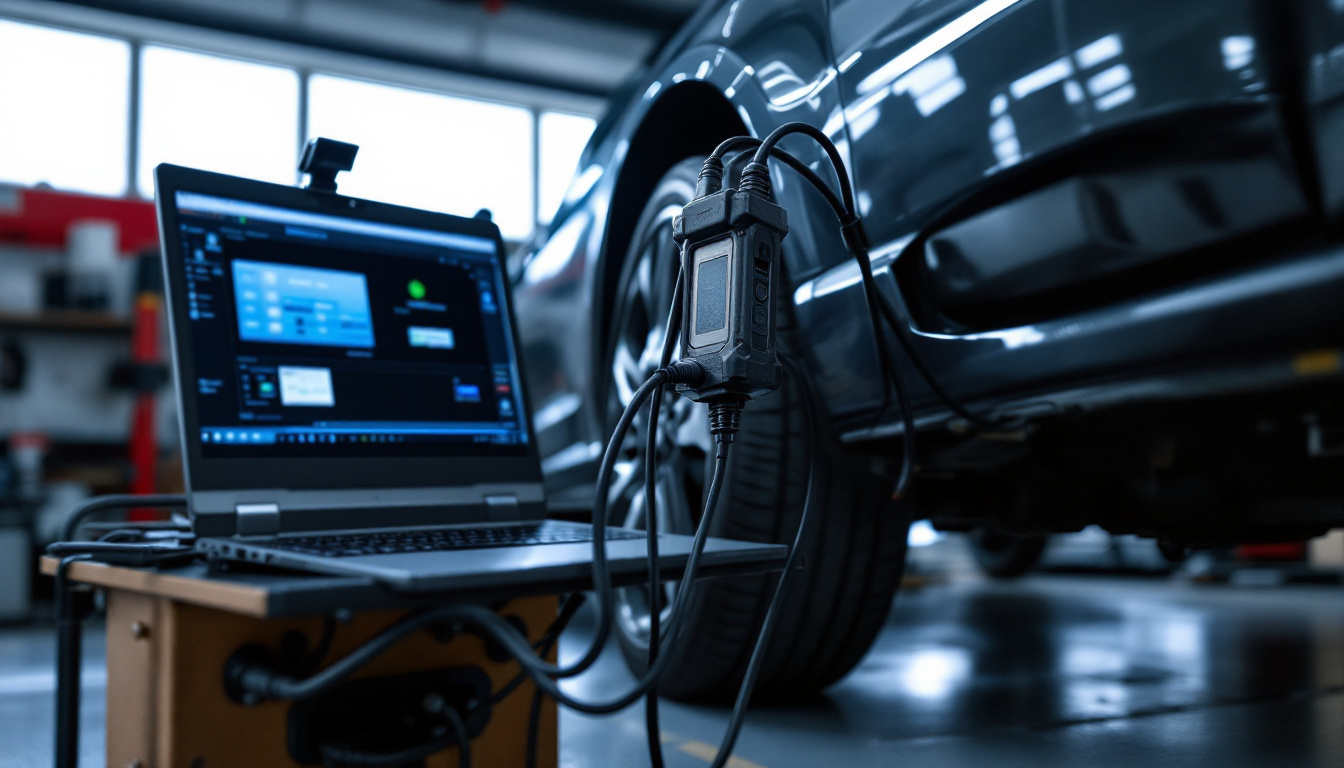
Running J2534 pass-thru work through remote sessions — where the standard's timing model meets network reality, which arrangements hold up, and the test plan before any billable job.
J2534 Pass-Thru Over Remote Sessions: What Works, What Breaks, What to Test
TL;DR
J2534 made pass-thru programming hardware-agnostic; remote sessions make it location-agnostic — if you respect where the timing lives. As of August 2026 the dependable architecture keeps the whole J2534 stack (interface, DLL, OEM application) physically at the vehicle and sends only the screen to the remote specialist. Forwarding the interface's USB stream across the internet instead puts network jitter inside protocol timing windows, which is where reflashes go to die. This post maps the two architectures, the failure modes of each, and the three-gate test plan that should precede any billable remote job.
A one-paragraph J2534 refresher
SAE J2534 is the standard that lets OEM programming applications talk to any compliant pass-thru interface: the application calls a standard API, the interface vendor's DLL translates to their hardware, the hardware talks to the vehicle. Born from US regulatory requirements for emissions-related reprogramming access, it is the reason an independent shop can reflash with OEM software and a compliant box instead of factory-only tooling. The critical detail for remote work: the DLL and the interface converse constantly, with assumptions about how quickly each answers.
Architecture 1: keep the stack local, remote the screen
Interface on the OBD port → USB to a PC beside the vehicle → OEM app + vendor DLL on that PC → specialist drives the PC remotely.
Every latency-sensitive hop stays on physical cable. The remote desktop stream carries pixels and keystrokes — traffic engineered to tolerate the internet — while the J2534 conversation never leaves the bench. The OEM application cannot tell the difference, because from its perspective there is none.
What this architecture asks of you is ordinary shop discipline:
- A programming-grade station. Power settings that never sleep, updates deferred during jobs, the vendor DLLs maintained. A dedicated mini PC per bay is cheap insurance — the same station build as our remote scanner-sharing guide.
- Vehicle-side basics. Battery maintainer on for anything that writes; a person present who can follow prompts and stop when told. The remote ECU programming explainer covers the human split in detail.
- Access control. A machine that can reflash vehicles deserves MFA, per-user accounts, session approval, and an audit trail — a J2534 station is a vehicle signing device with a power cord.
This arrangement is boring, and boring is the compliment. It is how remote J2534 work should start.
Architecture 2: forward the USB stream (respect it, or skip it)
The alternative: the OEM application runs on the remote machine and the interface's USB is forwarded over the network, so the distant OS enumerates the box as local hardware.
Sometimes there is a real reason — licensing pinned to the specialist's laptop, an application environment that cannot be replicated at the vehicle side. But understand what moved: the DLL-to-device conversation, with its timing assumptions, now rides the open internet. Bandwidth is irrelevant (the streams are small); jitter is everything, as our USB-over-internet latency guide explains. Sessions in this architecture fail in a characteristic way — enumeration fine, identification fine, then a deep operation dies when a latency spike finally lands inside a timing window.
If you must run this pattern today with a generic forwarder: video off the link entirely, wired ends wherever possible, tested on a throttled connection first, and nothing security- or reflash-critical until the low-stakes writes have survived repeatedly. The missing ingredient in generic tools — session monitoring that sees degradation coming and pauses before the conversation corrupts — is precisely what our in-development Flash-Safe protections and video-free USB-Only Mode are being engineered to add. They are labeled in development on those pages because they are; both are included in the plan when they launch.
The three-gate test plan
Before the first billable remote J2534 job, on a known-good vehicle:
| Gate | What it proves |
|---|---|
| 1. Full read-only session | The whole chain works: codes, live data, module ID through your remote arrangement |
| 2. Complete low-stakes write | A configuration update or similar finishes cleanly end-to-end — the arrangement can write, not just read |
| 3. Deliberate degradation | Throttle the link mid-session and watch: does it fail loudly and safely, or silently? |
Gate 3 is the one shops skip and the one that matters. A failure mode you have watched on a junk vehicle is a procedure; one you meet first during a customer's reflash is an incident.
Compliance does not get remoted
Worth stating without hedging: OEM security gateway registrations, subscription logins, and NASTF Vehicle Security Professional requirements for security-related functions apply to remote sessions exactly as they do at the bench. The session relocates the specialist, not the credential. Keep the credentials on the machine where the software runs, control who reaches that machine, and let the audit log answer the who-did-what question — this is half the argument for doing remote J2534 through an access layer with real logging rather than a consumer screen-share.
Where IgniteRemote fits
Architecture 1 is shipped: IgniteRemote's automotive-focused remote desktop drives vehicle-side programming stations today — adaptive quality for real shop connections, session recording with AI-generated training steps, approval at the machine, MFA, role-based access, audit logging, agent as a Windows service. Architecture 2's proper tooling — USB passthrough with USB-Only Mode and Flash-Safe — is in development and included when it launches. Pricing is one plan — $24.90/month or $249/year (two months free), unlimited computers and technicians — opening with a 7-day free trial — run the three-gate test plan during it, from the pricing page.
The craft summary: J2534 rewards the same instinct remotely that it does locally — keep timing paths short, test before you trust, and never start a write you have not already watched fail safely somewhere harmless.