Session Recording for Remote Shop Support: Disputes, Training, and Proof
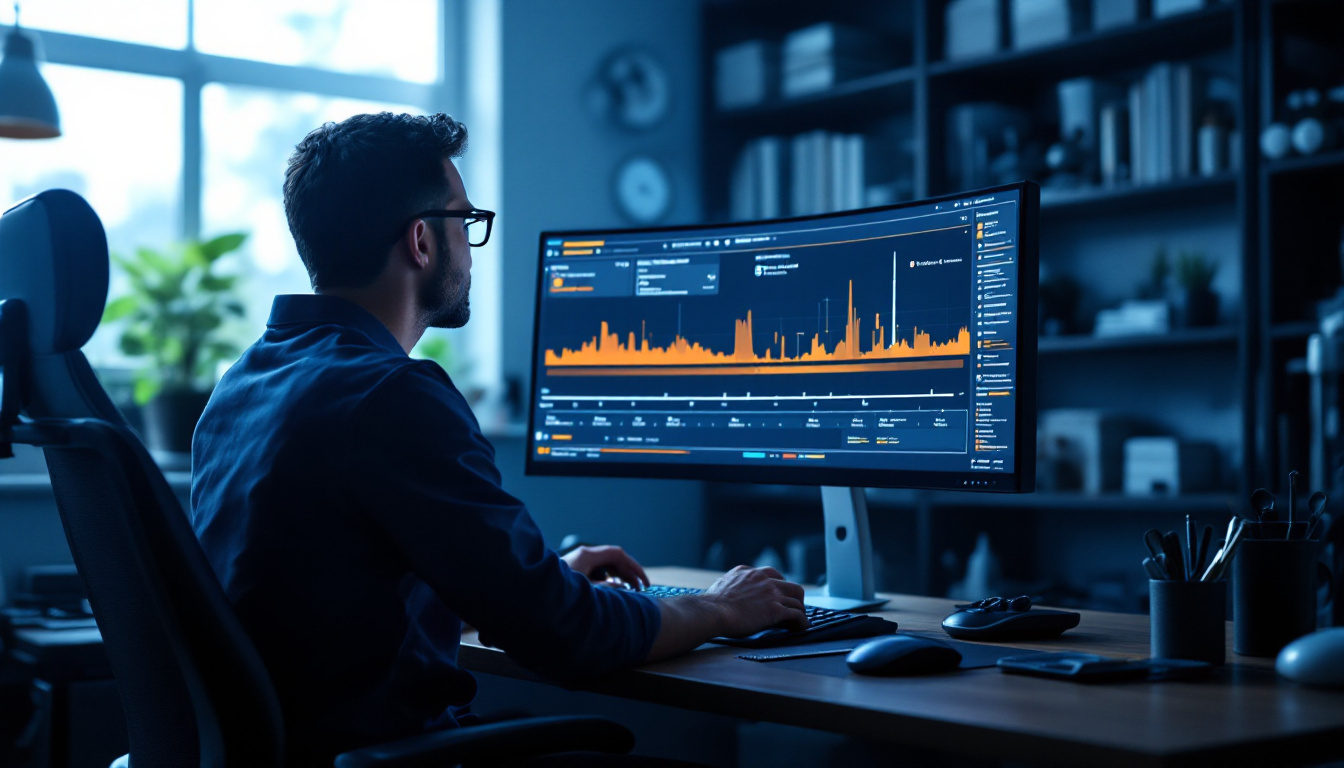
Why recording remote sessions changes how a shop operates — dispute resolution, technician training, quality control — and how to run recording without making the team feel surveilled.
Session Recording for Remote Shop Support: Disputes, Training, and Proof
TL;DR
A remote session with no recording is a verbal agreement: everyone remembers it differently, and the disagreement surfaces at the worst time. Recording flips three chronic shop problems into solved ones — disputes become replays, good work becomes training material, and quality control gets evidence — for the cost of a policy line and some storage. This post covers the three returns concretely, the policy wording that keeps recording from feeling like surveillance, and the retention discipline that makes the archive useful instead of merely large. Recording, replay, download and AI training steps are included in every IgniteRemote remote-access plan; that part is stated once here and argued nowhere — the case below applies to recording on any capable tool.
Return one: disputes become lookups
The dispute pattern every shop knows: something is wrong with a machine — the shop management PC misbehaves, the diagnostic station has new software on it, a setting changed — and the last remote session becomes the suspect. Without a record, what follows is memory against memory, usually with a vendor or an employee on the other side.
With a recording, the conversation is thirty seconds long: watch the replay. Either the session did the thing or it didn't. The two most valuable properties of that:
- It protects the innocent first. The most common outcome of a replay is exoneration — the remote tech didn't touch the thing that broke. Without the recording, suspicion sticks to whoever connected last.
- It converts blame into diagnosis. "Who did this?" becomes "when did this happen?" — a question with an answer and a fix.
The same logic extends to customer-facing disputes: when remote work touches a vehicle-adjacent machine — a programming station mid-job — "what exactly was done" is a question you want answered by playback, not recollection. Paired with session audit logs, the record answers who, when, and what.
Return two: good sessions are training material that already exists
Every shop has the same training bottleneck: the knowledge lives in one or two heads, and transferring it costs those heads their most productive hours. Meanwhile, several times a week, the experienced tech performs the curriculum live — a diagnostic session done right, in order, with the dead ends visibly ruled out.
Recording captures that performance for free. The session where the no-start got traced — first the codes, then the freeze frame, then the relay click that wasn't there — is a complete lesson in diagnostic ordering. New hire watches three of those, and their first solo session is no longer their first exposure.
This is where AI-generated training steps multiply the return: a recording becomes a written procedure — numbered steps extracted from what was actually done — without anyone sitting down to author documentation. The full write-up on that workflow covers how shops build a library from it; the training-program post shows the curriculum shape.
Return three: quality control with evidence
Reviews of remote work without recordings are vibes. With recordings, a manager can sample sessions the way good shops sample repairs: watch one or two a week, look for the process — was the customer's data handled carefully, was the diagnostic order sensible, did the session wander into machines it didn't need? Findings become coaching with timestamps instead of generalized speeches.
The discipline that keeps this healthy: sample process, praise publicly, correct privately, and never let review become gotcha-hunting — which brings us to policy.
The policy line between protection and surveillance
Recording earns resentment when it is silent, selective, or used only to punish. It earns acceptance when it is:
- Announced: one sentence, stated plainly — "Remote sessions on shop machines are recorded." On by default, no exceptions by mood.
- Symmetric: the replay defends the technician as often as it checks them, and everyone has seen that happen at least once.
- Purposeful: disputes, training, QC — named uses, and review follows those uses rather than idle browsing.
- Access-controlled: recordings can contain whatever was on screen, including customer data in the shop system, so who can watch is a roles question. Restrict viewing like you restrict the systems recorded.
| Retention question | Practical answer |
|---|---|
| Dispute window | Keep at least 30–90 days, matching your comeback window |
| Training material | Promote the good ones to a named library; let the rest expire |
| Sensitive-content sessions | Same access rules as the underlying system |
| Who can view/download | Role-based, and downloads logged |
| The policy itself | Written once, told to everyone, applied evenly |
Making it real this week
- Turn recording on for the machines that matter — the diagnostic station and the front-office PC first, per the station guide.
- Say the policy sentence to the team, with the symmetric framing: this protects you.
- Promote your first training recording — the next genuinely good session, flagged and named.
- Sample one session a week as QC, process-focused.
- Write the retention rule down — even two lines beats an accidental forever-archive.
On IgniteRemote, recording with replay, download and AI training steps ships in every remote-access plan — Solo, Pro and Automotive Pro+, from $9.90/month, details here — and works over the browser-based sessions described in our architecture post. But the honest close is tool-agnostic: whatever you run, a shop doing remote work without records is choosing, every session, to settle its future disputes from memory. Recording is how remote work grows up.