Remote Car Diagnostics from a Home Office: What's Actually Available in the US
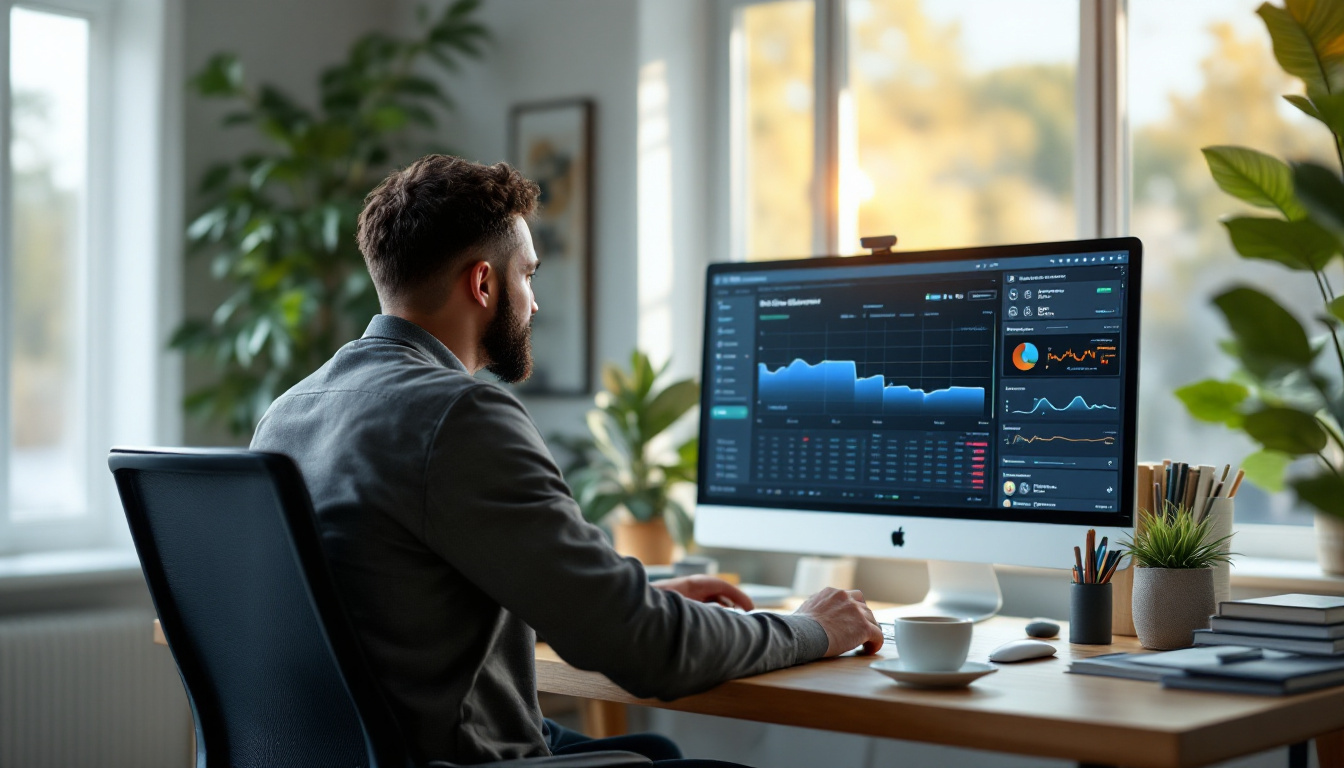
How technicians and shop owners diagnose vehicles from a home office — the setups that work in the US market today, what each requires at the vehicle, and honest limits.
Remote Car Diagnostics from a Home Office: What's Actually Available in the US
TL;DR
Diagnosing a car from your home office is not futurism — it is a stable, working pattern in US shops as of August 2026. The shape is always the same: interface at the vehicle, computer beside it, you driving that computer remotely. Codes, live data, freeze frames, guided tests — all of it reads identically at your desk. What never becomes remote is hands: someone on site connects the vehicle and pokes what you tell them to poke. This post lays out the setups that actually work, what each one requires, and the boundaries worth respecting.
Why this became normal
The economics forced it. Diagnostic skill is the scarcest resource in most shops — scarcer than bays, scarcer than tools — and it is wildly unevenly distributed across locations and hours. Meanwhile the questions keep arriving: the second store has a no-start, a fleet truck threw a light two towns over, a former colleague texts a freeze frame at 7 PM. Every one of those used to be a drive or a "bring it in."
A remote session converts the drive into a connection. The specialist's day stops being rationed by geography, and the shop's tool stops idling between the visits of the one person who can use it.
The three working setups
1. The diagnostic station (the workhorse)
An always-on PC beside the bay with the shop's interface docked to it, reachable from home through authenticated remote sessions. The tool's software runs at the shop — where the vehicle is — and only the screen travels to you. This is the most robust arrangement because the timing-sensitive conversation between interface and software never crosses the internet; a very ordinary home connection carries the session comfortably.
We covered the build in detail in the scanner-sharing station guide; it is the right first setup for nearly everyone.
2. The mobile kit
Same idea, portable: a laptop and interface that travel to the vehicle — a partner shop, a fleet yard, a driveway — with you connecting in from wherever you are. The on-site person can be a service writer, a fleet manager, or the vehicle's owner following instructions. Connection quality varies more (hotspots, unfamiliar Wi-Fi), so this setup benefits most from remote-desktop software that adapts to weak links rather than assuming office bandwidth.
3. Forwarded USB (the advanced case)
Running the diagnostic software on your home machine with the vehicle-side interface forwarded over the network. It exists, it works within limits, and it is the most fragile of the three because device timing rides on the open internet — our USB-over-internet latency guide explains exactly why. Reach for it only when software licensing genuinely pins the application to your machine; otherwise setup 1 does the same job with far less drama.
What a remote diagnostic session looks like
- On-site person connects the interface and confirms ignition state per your instruction.
- You take the session — codes first, then freeze frame, then live data, the same order as at the bench.
- Guided interaction covers most of the "hands" gap: watch fuel trims while they wiggle a connector, run an actuation test while they listen at the pump, have them cycle a switch while you watch the PID. A surprising share of physical testing survives translation into "do this while I watch the data."
- The output is a decision, which is the product: what it is, what parts, whether it needs the specialist physically or can be finished by whoever is there.
Where the session goes beyond reading — reflashing a module, immobilizer work — the stakes change and so does the discipline: battery maintainer, verified link, credentials in order, and a person at the car. That world is covered honestly in our remote ECU programming explainer and the flashing-over-LTE field guide.
Honest limits
| Remote does well | Remote cannot do |
|---|---|
| Codes, live data, freeze frames | Physical inspection and measurement |
| Actuation and guided functional tests | Wiggle tests done by feel |
| Data interpretation and diagnosis | Smoke tests, pressure gauges, scoping a circuit |
| Supervising a junior tech at the car | Repairs |
| Triage: "bring it in" vs "fix it there" | Road feel |
The boundary is not a limitation to apologize for — triage alone justifies the setup. Knowing before anyone drives whether the problem needs the specialist on site is worth the monthly software cost by itself.
Where IgniteRemote fits
IgniteRemote ships the session layer these setups run on: a browser-based remote desktop built for automotive conditions — adaptive quality for LTE and hotspots, session recording with AI-generated training steps (a recorded diagnosis becomes teaching material), approval at the remote machine, MFA, and audit logging, with the agent running as a Windows service for always-on stations. USB passthrough for the forwarded-device pattern is in development and included in the plan when it launches — stated plainly because that is how we would want to be sold to.
Pricing is one plan — $24.90/month or $249/year (two months free), unlimited computers and technicians — starting with a 7-day free trial; the pricing page has current details, and the use-cases page shows the station and mobile arrangements. Set the station up during the trial, take one real diagnostic question from your kitchen table, and the question of whether this works will have answered itself.